
What Is Multi-Factor
Authentication (MFA)?
MFA asks for a second proof of identity on top of a password, so a stolen password on its own isn’t enough to get into your email. Here is how it works, which methods to choose and what to do when a phone goes missing.
- Explained without jargon
- Which methods to choose
- Lost phone steps
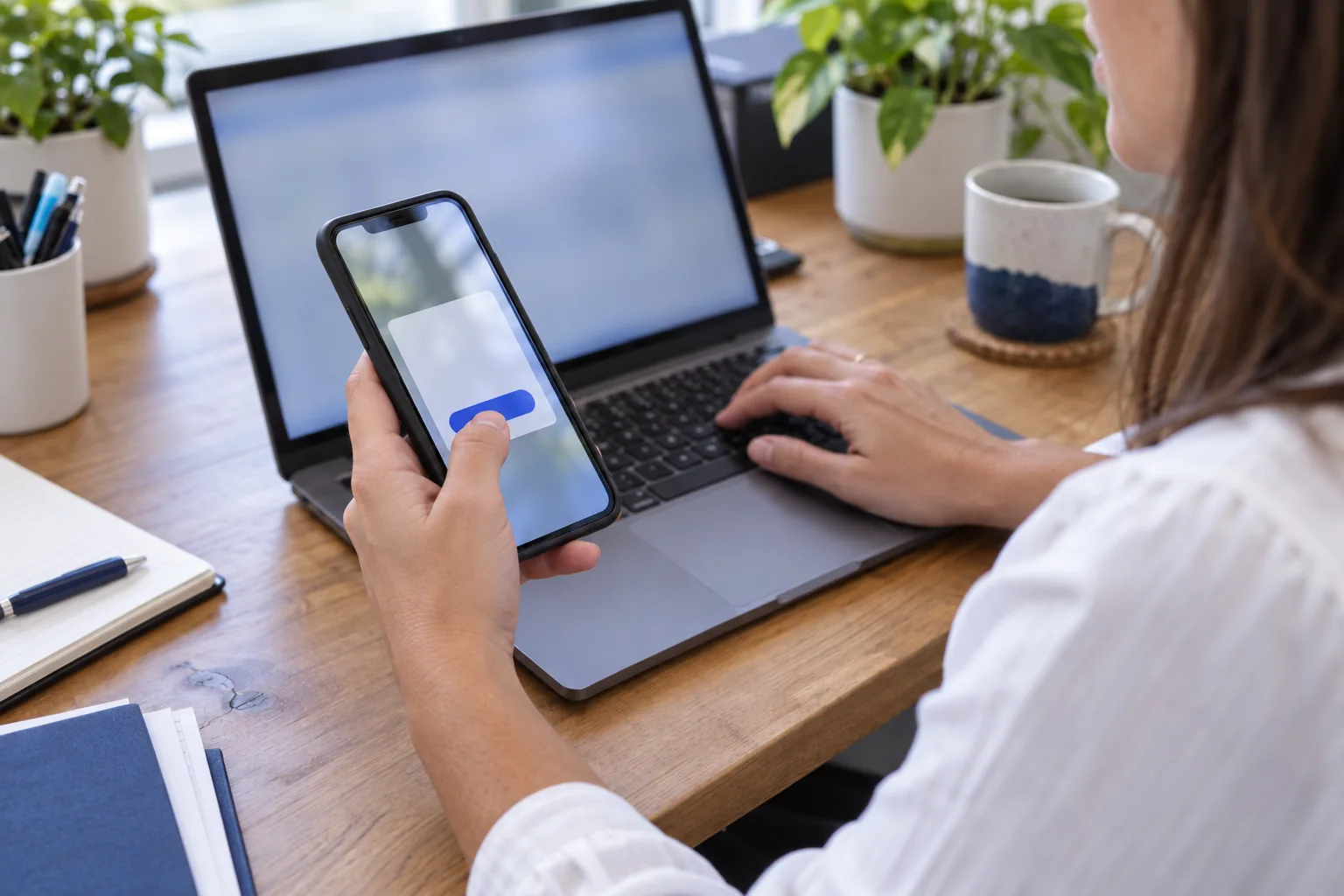
A password, plus something you have or something you are.
Of business reports to ASD were email compromise
Requires MFA on email
Requires MFA on every business app
Risky sign-in alerts watched
How multi-factor authentication works
Signing in normally takes one thing: a password. Multi-factor authentication adds a second check from a different category, such as a code from an app on your phone or a fingerprint. A criminal who steals or guesses the password still can’t get in without the second factor.
The Australian Signals Directorate (ASD) groups factors into three types, and MFA means using at least two different types. Two things of the same type, such as a password and a security question, is multi-step sign-in, and ASD says that is not a substitute for MFA.
Something you know
A password, passphrase or PIN.
Something you have
A phone with an authenticator app, a security key or a smart card.
Something you are
A fingerprint or face scan, usually checked by a device you have.
Two things you know
A password plus a security question is still one type of factor.
The common methods, compared
Every one of these beats a password alone. Some hold up far better against phishing than others.
A cryptographic key on your device, or a small USB or NFC key, protected by a PIN or fingerprint
A key stored in the laptop’s security chip, protected by a PIN, face or fingerprint
A prompt on your phone where you type the number shown on the sign-in screen
A six-digit code in an app that changes every 30 seconds
A code sent by text message or phone call
Passkeys, security keys and Windows Hello for Business are known as phishing-resistant MFA. Source: ASD, Implementing multi-factor authentication.
Why text message codes are the weakest option
A code sent by SMS is far better than no MFA at all. ASD still describes SMS and voice codes as weaker implementations, for a few reasons.
Phone networks don’t provide end-to-end security, so messages can be intercepted. A criminal can also try to take over your mobile number with a SIM swap, using your personal details to get a replacement SIM. The Australian Communications and Media Authority (ACMA) brought in stronger identity checks for these requests in 2022, but a number is only as safe as the phone account behind it.
And like any code you type in, an SMS code can be captured by a fake sign-in page and used straight away.
Choosing methods for your team
- An authenticator app for every staff member
- Number matching on every push prompt
- SMS only as a fallback, never for admins
- Passkeys or security keys for admin accounts where possible
Number matching and MFA fatigue attacks
Push prompts made MFA easy: a notification pops up and you tap Approve. That convenience is also the weakness. A criminal with your password can trigger prompt after prompt, often late at night, until someone taps Approve to make it stop. This is known as an MFA fatigue or push bombing attack.
Number matching closes that gap. The sign-in screen shows a number, and you type that number into the app on your phone. If you aren’t the person signing in, you can’t see the number, so you can’t approve it by accident. Microsoft now uses number matching for all Microsoft Authenticator push notifications.
What staff should do
- Don’t approve it, even to make it stop
- Deny the prompt or let it time out
- Tell IT straight away
- Change the password, because someone has it
Is MFA switched on for every account?
Our free cyber security assessment checks MFA across your email, admin accounts and remote access, and ranks what to fix first. Free, with no obligation.
A staff member lost their phone. Now what?
A lost phone is a lockout problem and a security problem at once. Work through these in order.
Tell IT straight away
The sooner the old phone’s sign-in methods are removed, the less use it is to whoever finds it.
Remove the old phone as a sign-in method
In Microsoft 365, an admin can require the person to register MFA again, which removes their phone and authenticator app methods. In Google Workspace, an admin can issue backup codes so the person can sign in.
Sign the person out everywhere
Revoking active sessions forces every app and browser to ask for a fresh sign-in.
Wipe company data if the phone is managed
If the phone is enrolled in device management, company email and files can be removed from it remotely.
Set up the new phone
The person registers the authenticator app on the new phone, then recent sign-ins are checked for anything unusual.
Where to switch MFA on first
Start with the accounts that would hurt most if someone else got in.
Email and cloud accounts
Microsoft 365 or Google Workspace. Your mailbox can reset almost every other password you have.
Admin accounts
Anyone who can change settings or create users needs the strongest method available.
Remote access
VPNs, remote desktop and any remote support tool that reaches your network.
Banking and payments
Online banking, payroll and payment platforms. Turn on every extra sign-in check your bank offers.
Accounting software
Xero, MYOB and similar platforms hold your financial and client records.
Domain and DNS
Your domain registrar and DNS host. Whoever controls these controls where your email goes.
MFA is one of the eight strategies in ASD’s Essential Eight, and the SMB1001 standard requires it on email from Silver and on all business applications at Gold.
MFA as part of our security baseline
On our managed plans, MFA is enforced on every staff and admin account in Microsoft 365 or Google Workspace. Any exception, such as an emergency access account, is documented and secured another way. We pair it with the controls around it, because MFA protects the sign-in and not much else.
More on every control we manage is on our cyber security services page.
- Number matching on Microsoft Authenticator prompts
- Overseas sign-ins blocked by default on Microsoft 365
- Overseas sign-ins detected and blocked on Google Workspace
- Risky sign-in alerts, watched 24/7 by our security partner’s analysts
- A business password manager for every staff member
- Dark web monitoring for leaked passwords

Stolen passwords
MFA matters most when a password leaks. See how criminals use a hijacked mailbox in our guide to spotting fake invoices.
Check your domain
Our free email security check tests your SPF, DKIM and DMARC records in seconds.
MFA: common questions
What is multi-factor authentication?
Multi-factor authentication (MFA) is a sign-in that needs two or more different types of proof: something you know, such as a password, plus something you have, such as a phone or security key, or something you are, such as a fingerprint. If a criminal steals the password, they still can’t sign in without the second factor.
What is the difference between MFA and two-factor authentication?
Two-factor authentication (2FA) is MFA with exactly two factors, usually a password and a code or prompt on your phone. MFA is the broader term for two or more. For most small businesses the terms mean the same thing in practice. What matters more is which method you choose for the second factor.
Is SMS two-factor authentication safe?
It is much safer than a password alone, but it is the weakest common method. ASD describes SMS and voice codes as weaker implementations, because phone networks don’t provide end-to-end security, and numbers can be hijacked through SIM swaps. Use an authenticator app, passkey or security key where you can, and keep SMS as a fallback.
What is number matching in MFA?
Number matching is a feature of push-based MFA. Instead of tapping Approve, you type the number shown on the sign-in screen into the app on your phone. Someone who isn’t at that screen can’t see the number, which blocks approvals by habit and MFA fatigue attacks. Microsoft uses it for all Microsoft Authenticator push notifications.
What is phishing-resistant MFA?
Phishing-resistant MFA uses methods a fake sign-in page can’t capture and replay, such as passkeys, security keys and Windows Hello for Business. They rely on public key cryptography tied to the real website. ASD recommends phishing-resistant MFA for online services, and it is the best choice for admin accounts.
What happens if a staff member loses their phone with the authenticator app?
Tell IT straight away. An admin removes the old phone’s sign-in methods, signs the person out of active sessions and, if the phone is managed, wipes company data from it. In Microsoft 365 the person then registers MFA again; in Google Workspace an admin can issue backup codes. Then the app is set up on the new phone.
Does MFA stop all hacking?
No. It blocks many attacks that rely on a stolen password, but criminals can still trick people into approving prompts, use fake sign-in pages that relay codes, or steal a session after sign-in. That is why MFA works best alongside number matching, phishing-resistant methods for admins, sign-in monitoring and staff training.
Do small businesses need MFA?
Yes. Email compromise was the most common cybercrime businesses reported to ASD in 2024-25, at 19% of reports (ASD Annual Cyber Threat Report 2024-25). MFA on email is one of the simplest ways to reduce that risk, and in our experience cyber insurance questionnaires routinely ask whether it is switched on.
Related pages
Cyber security services
Every control we manage, explained.
Email security check
Test SPF, DKIM and DMARC for your domain.
Free cyber security assessment
Find the accounts that still lack MFA.
Essential Eight and ASD Essentials
Where MFA fits in ASD’s frameworks.
SMB1001 certification
Bronze, Silver or Gold, through CyberCert.
How to spot fake invoices
What happens when a mailbox is taken over.
Get MFA right across your business
We’ll check which accounts have MFA, which methods they use and where the gaps are, then fix them in an order that suits your team.
- MFA on every Microsoft 365 or Google Workspace account, admins included
- Number matching and stronger methods
- A plan for lost and replaced phones
Prefer to talk? Call 1300 619 750, Monday to Friday.
Tell us what you need and we’ll get back to you.